All your receipts in one place.
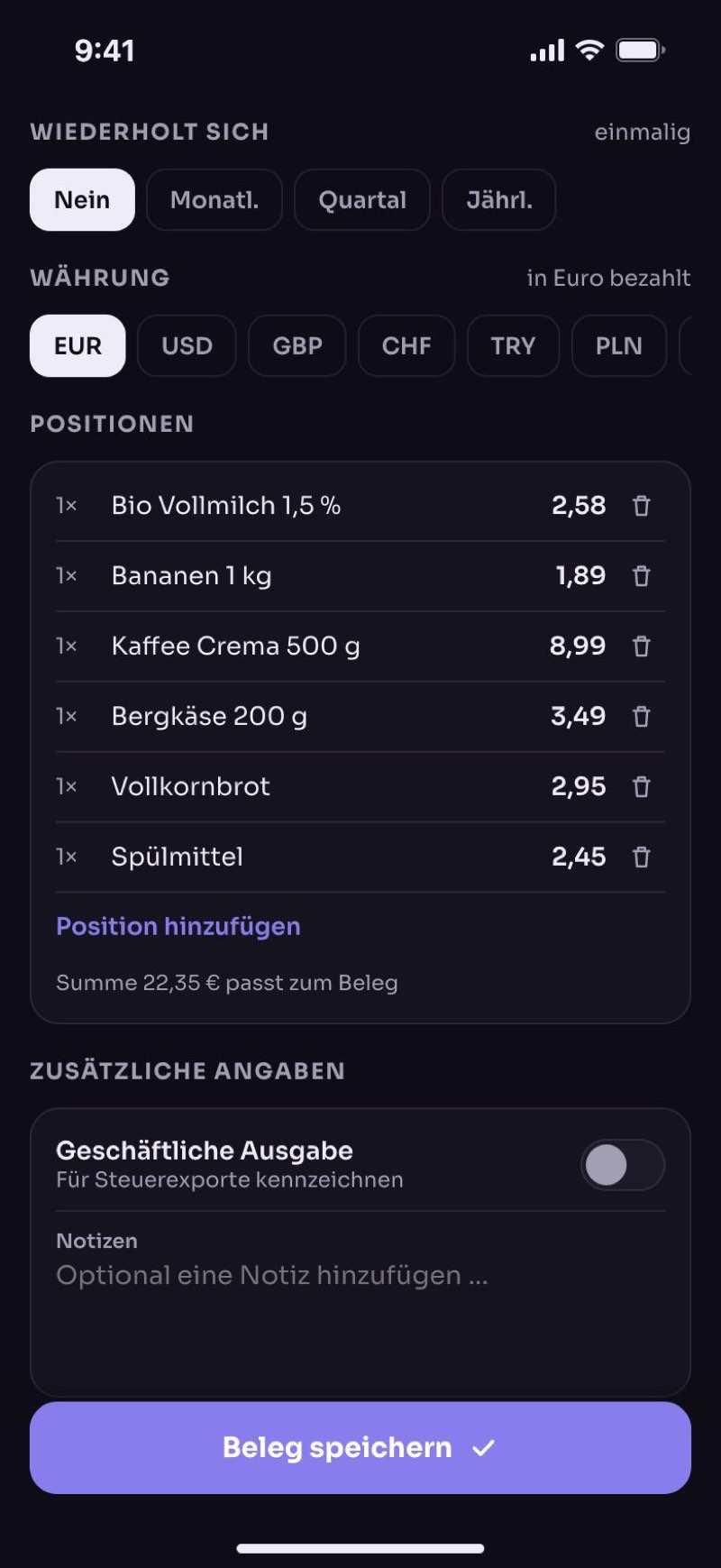
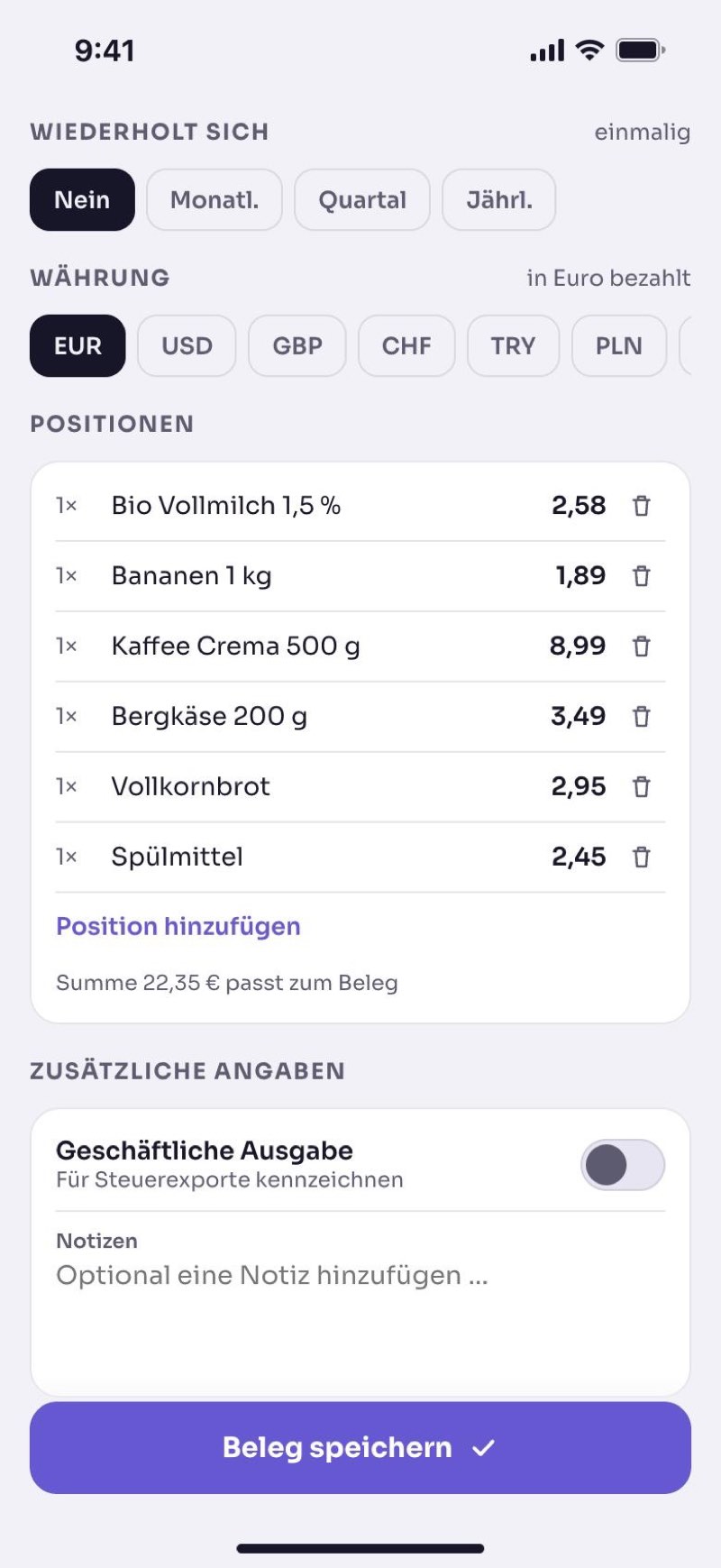
Take a photo of your receipt. The app remembers how long you can return something, when an instalment is due and how long the warranty lasts. You get a reminder in good time.
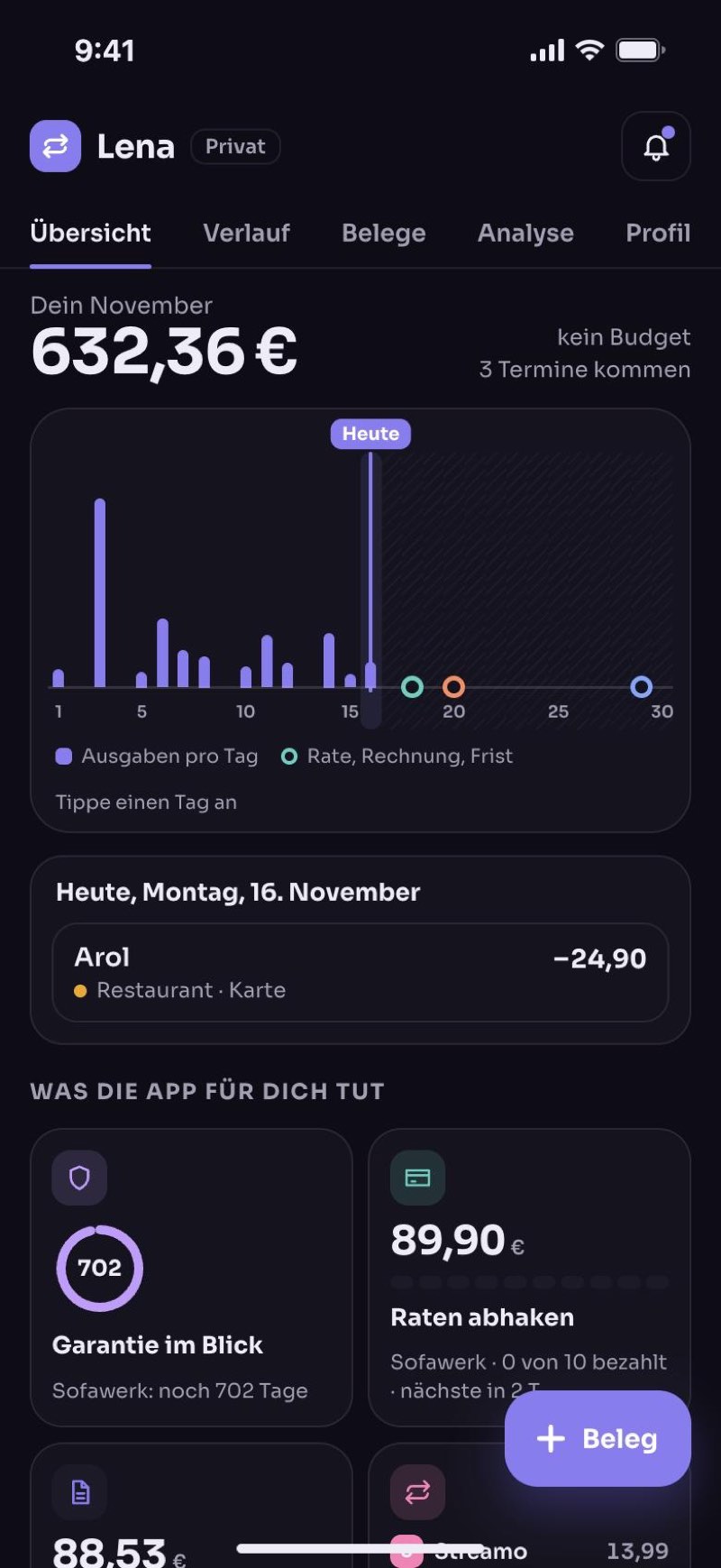
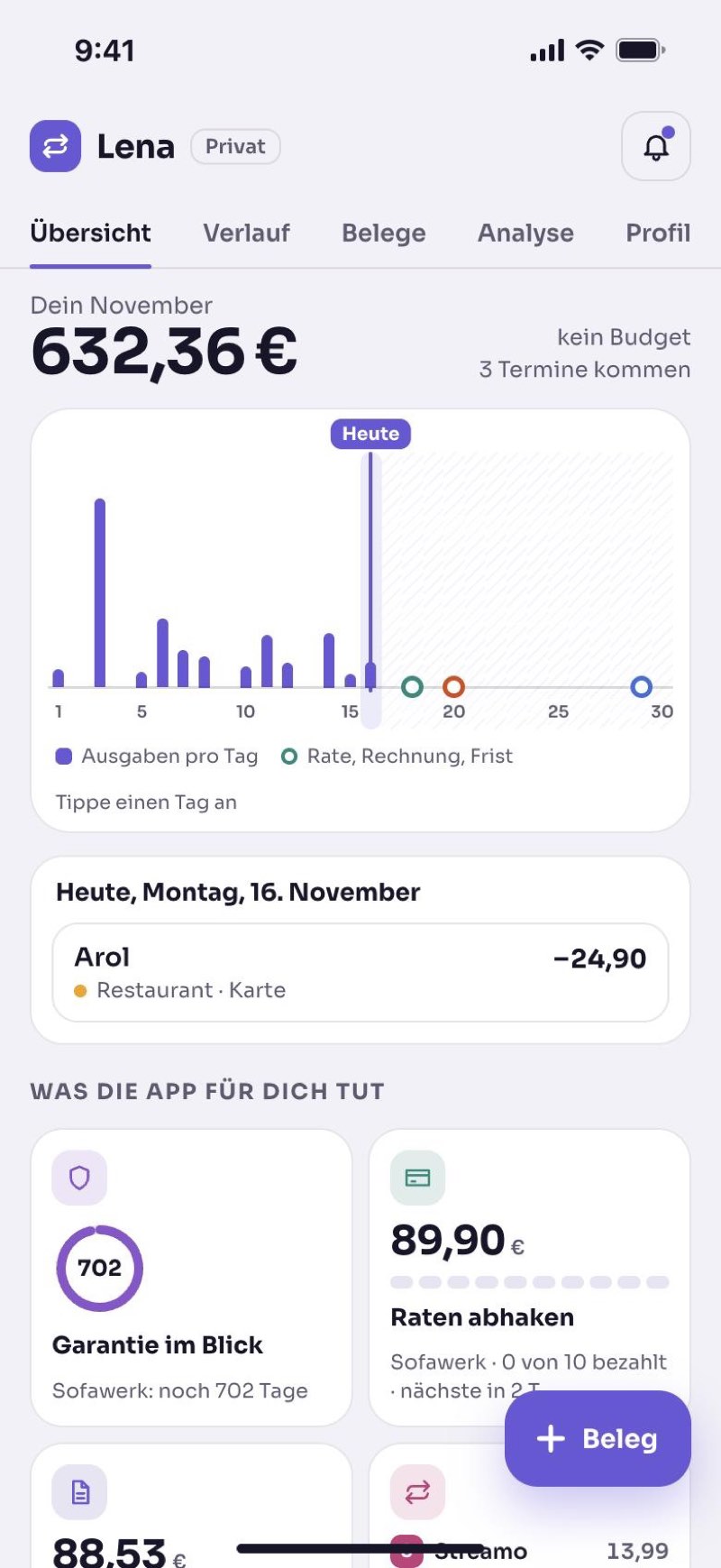
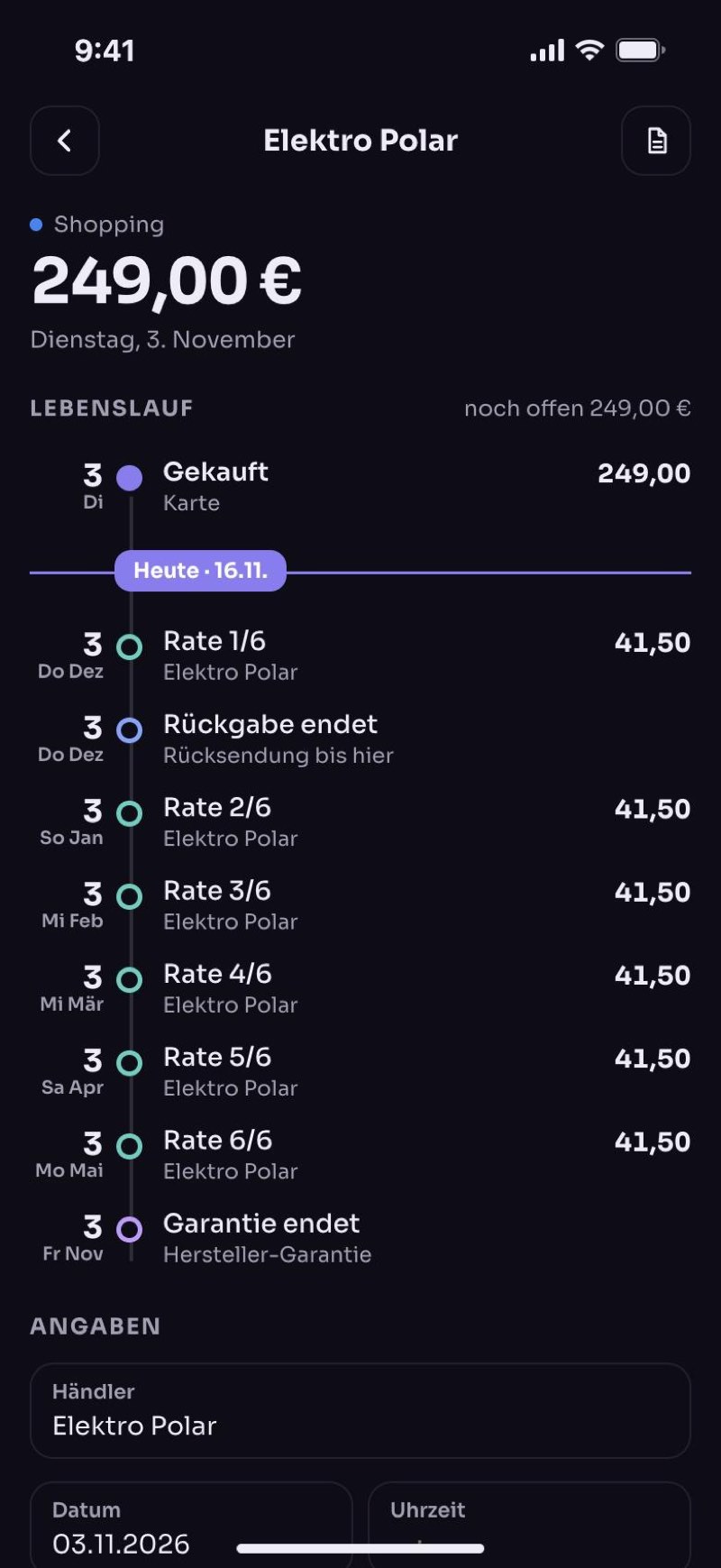
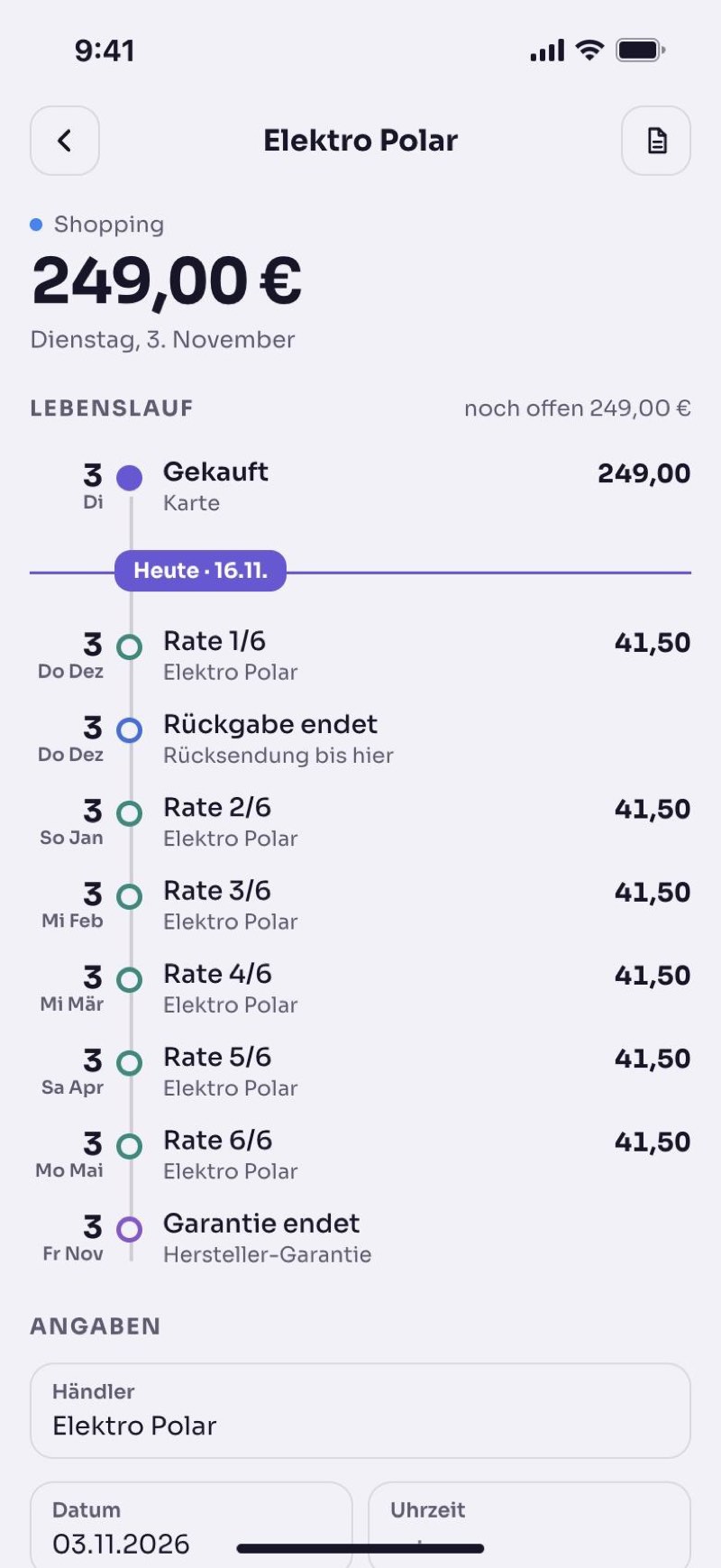
What is due soon. And where your money went.
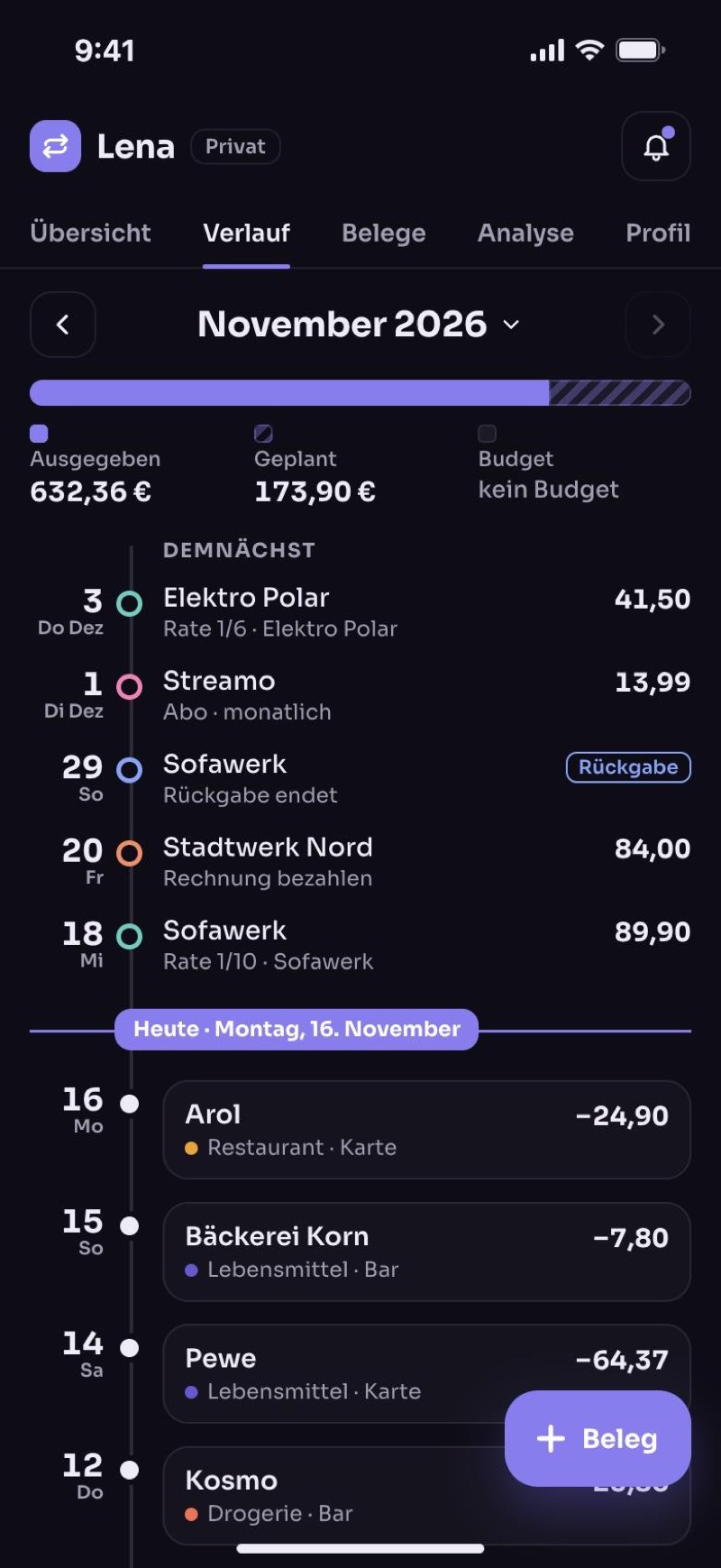
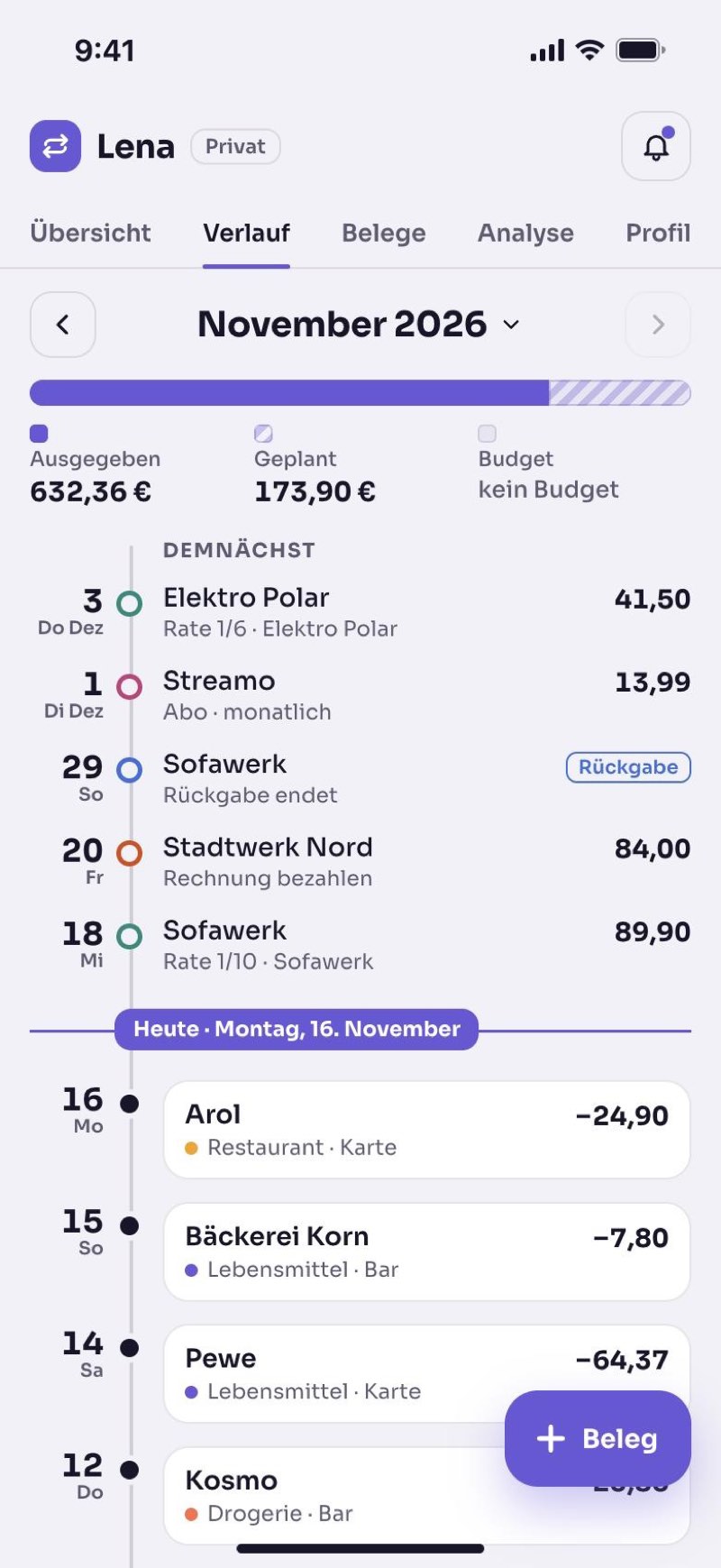
What is due soon
At the top is what you have to pay soon: the next instalment, your subscription, the electricity bill. Below it, everything you have already bought.
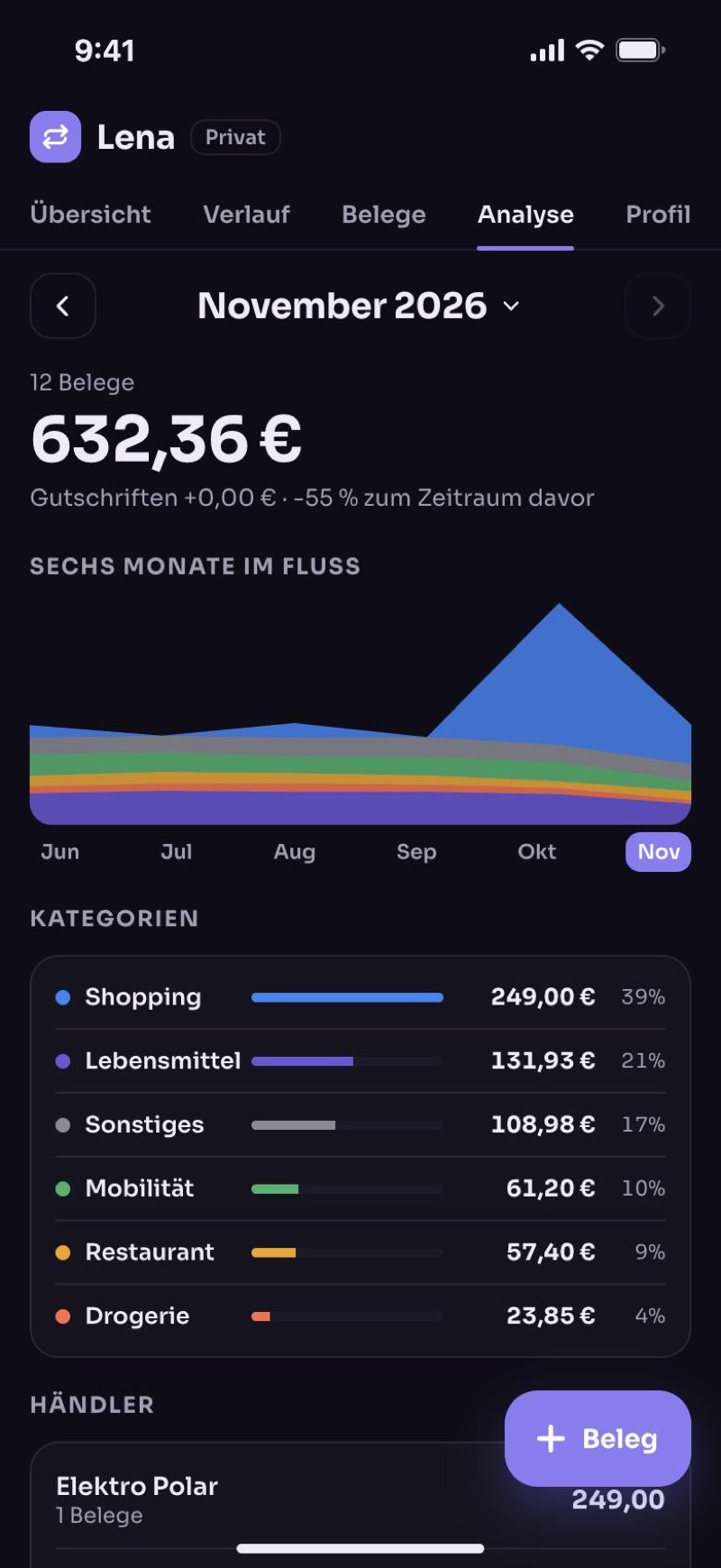
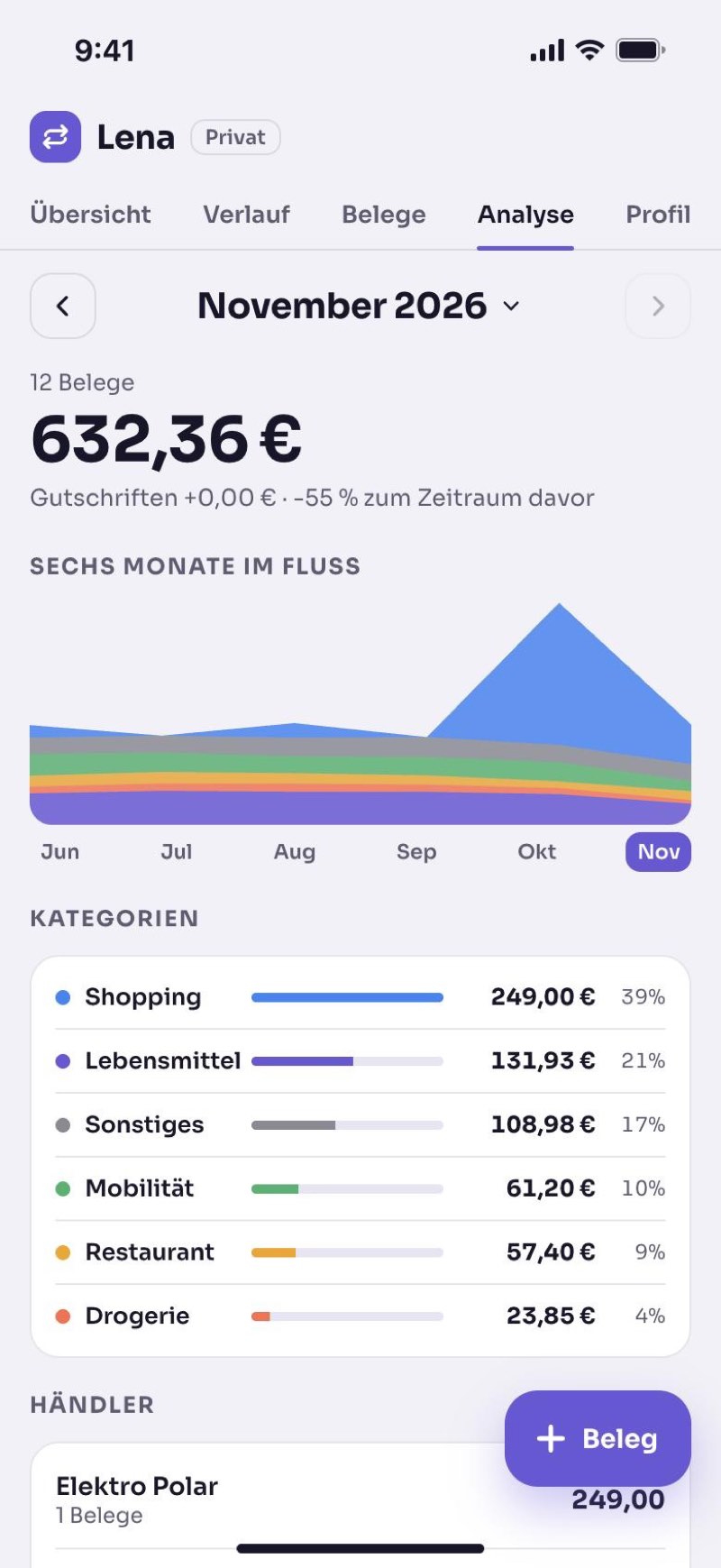
What you spend money on
The app shows you what you have spent money on over the last six months, for example food, shopping or fuel.
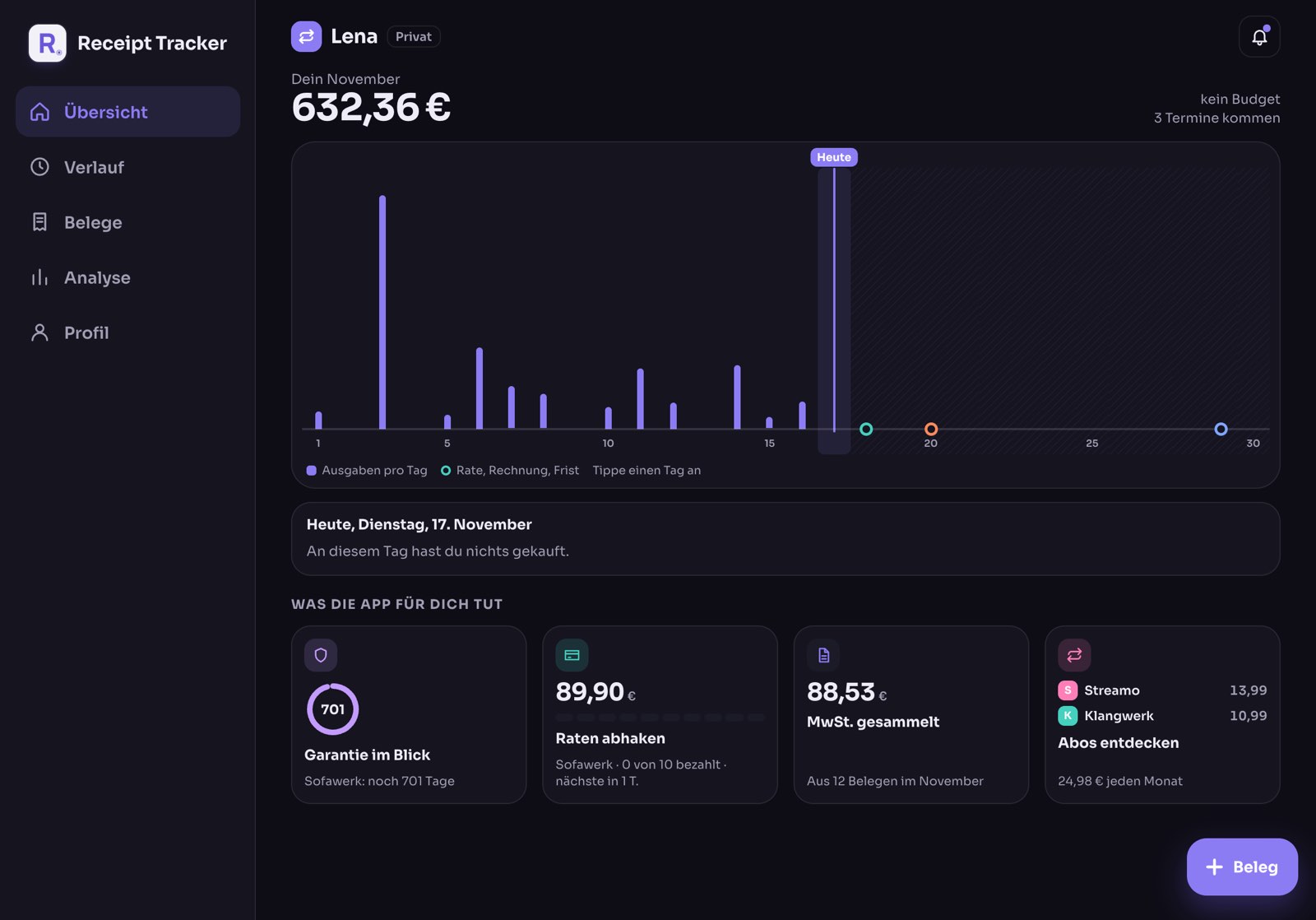
On the iPad too.
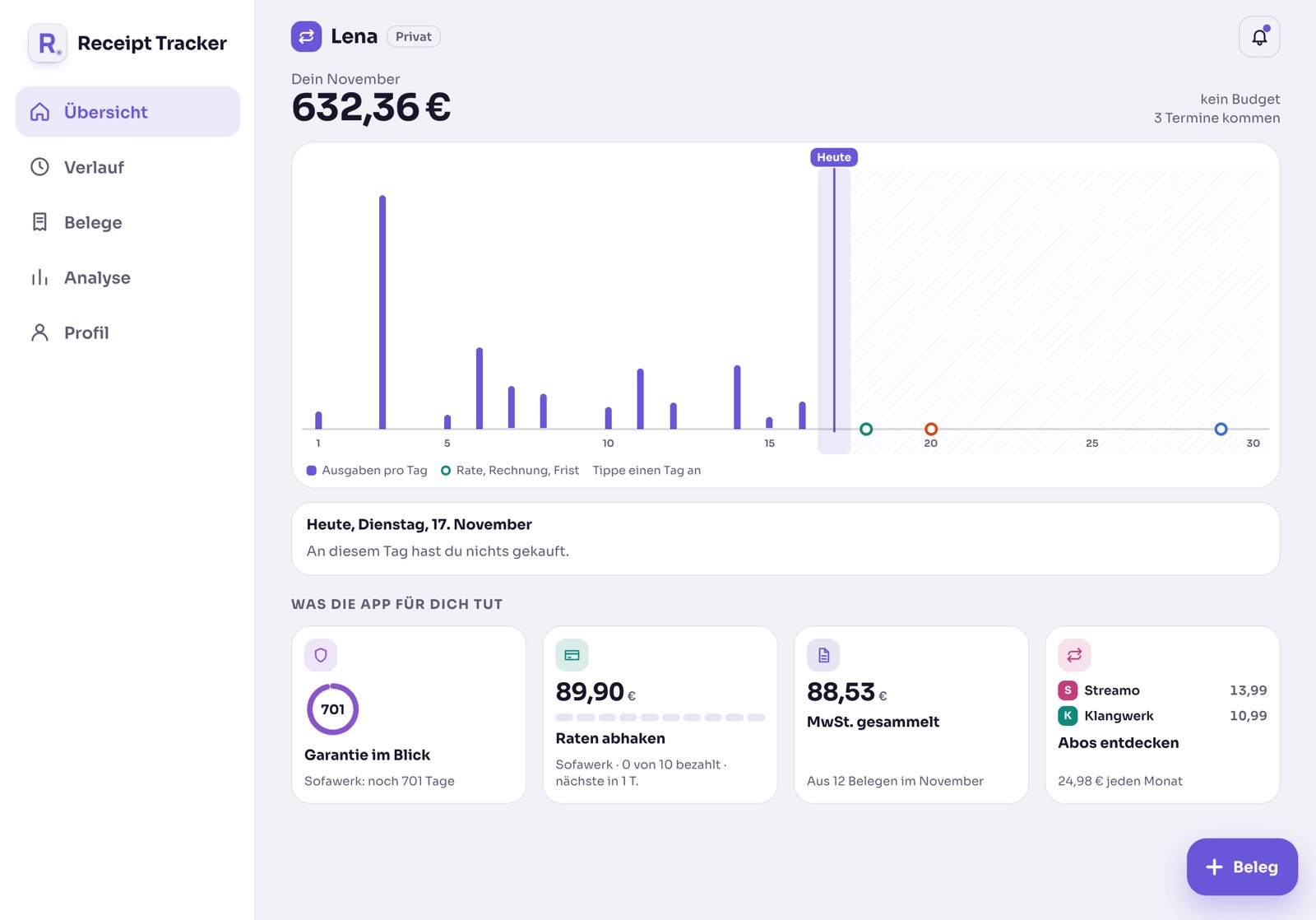
On the big screen you see your month at a glance. With an account your receipts are the same on iPhone and iPad: you take the photo with your iPhone and look through them at your leisure on the iPad.
The app reminds you in time.
For every date you choose how early the reminder comes: two days before an instalment, for example, or a month before the warranty ends. That way you always have enough time to act.
Returns
The shoes don't fit after all? You get a reminder while you can still return them.
Instalments
Paying in instalments? The app shows you when the next one is due and how many are left.
Invoices
Bought something on invoice? The app reminds you before you have to pay.
Warranty
If something breaks, you find the receipt right away. Even after two years.
Subscriptions
The app finds payments that come back every month, for example for streaming. So you see what they cost you together.
Budget
Tell the app how much you want to spend each month. When you get close, it lets you know.
For you, privately
For everything you buy for yourself and your home.
- Returns and warranty for every purchase
- Instalments and subscriptions always in view
- See where your money went
For your business
Self-employed? Then you keep business receipts and private receipts apart.
- VAT is worked out for you
- Export receipts straight for your tax adviser
- Every change to a receipt is recorded
Your data belongs to you.
Receipt Tracker is a private project. There are no ads, nobody watches you, and your data is not sold.
Everything stays on your device.
- Your receipts and photos are stored only on your iPhone or iPad.
- Your receipts are not sent over the internet. You type in shop, date and price yourself.
- If you delete the app, everything is gone, except in your device's iCloud backup.
Stored safely.
- Your receipts are stored encrypted on servers in Germany.
- Other users can never see them.
- When you take a photo of a receipt, the app reads it for you if you allow it.
- New iPhone, or an iPad as well? Just sign in and everything is back.
If you like, the app only opens with your face or your fingerprint.
If the app crashes, it only reports where the error happened. What is on your receipts is never sent.
You can download your data at any time. And delete your account with all receipts right in the app.
All the details are in the privacy policy.
Questions
Your question isn't here? Write to [email protected]. A person answers you, usually within two days.
Do I need an account?
No, you can start right away. Without an account you type in shop, date and price yourself. With an account the app reads the receipt for you if you allow it, and stores everything safely.
What can I store?
Receipts, invoices as PDF and photos from your gallery. If you have no receipt, you simply enter the expense by hand.
How do I get my data out?
In the app under Profile, then Export & import. You get a spreadsheet, a PDF or all photos at once.
How do I delete my account?
In the app under Profile, then Security & data. Tap “Delete account permanently”. After that all your receipts and photos are gone, and this cannot be undone. Download anything you want to keep first. You can also send me an email and I will delete your account.
Is the app available for iPad?
Yes. On the iPad you have a bar on the left with all sections and more room for your month. Without an account, receipts stay on the device you save them on. With an account you see the same receipts on iPhone and iPad.
Which languages is the app in?
German, English and Turkish.